Adding To WorkSpace [Sub-account]
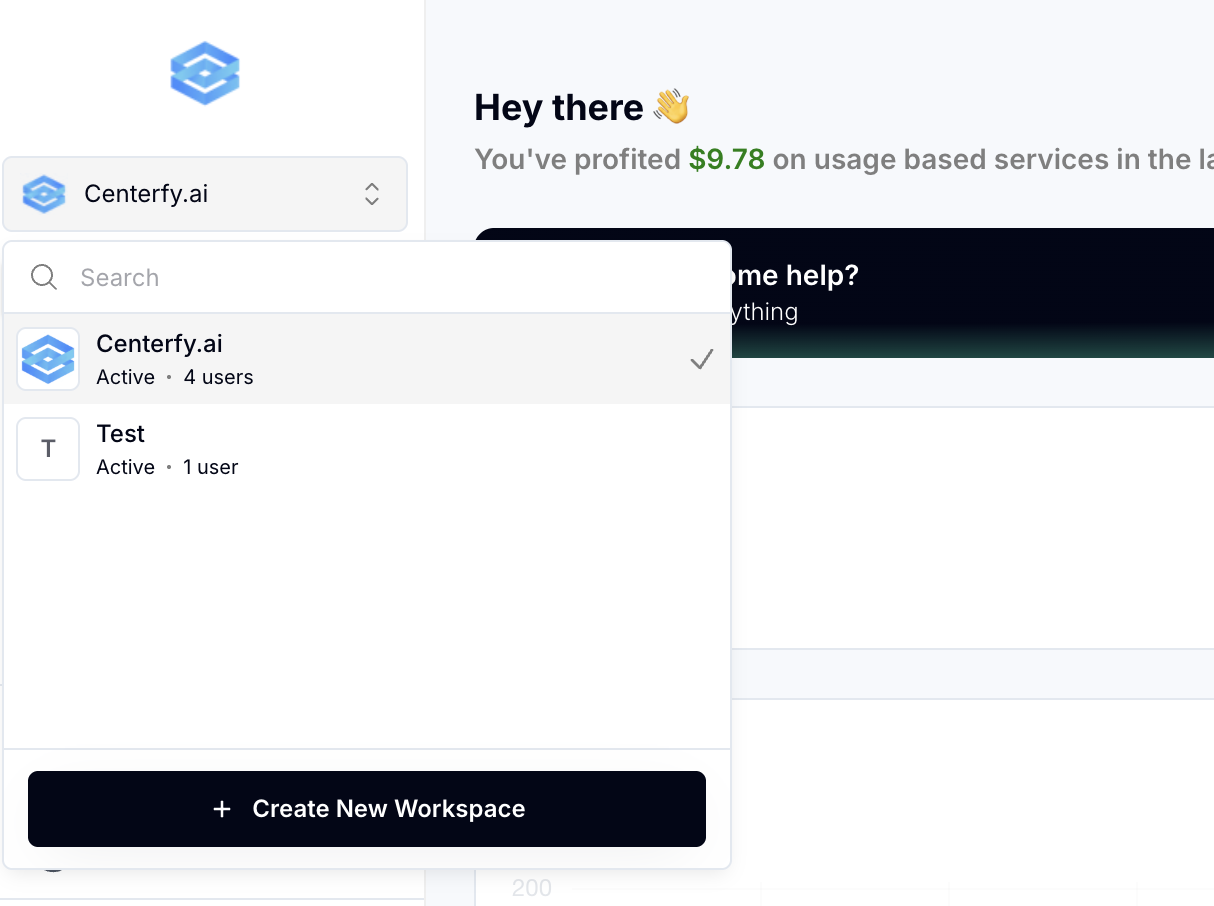
Log in to the workspace and
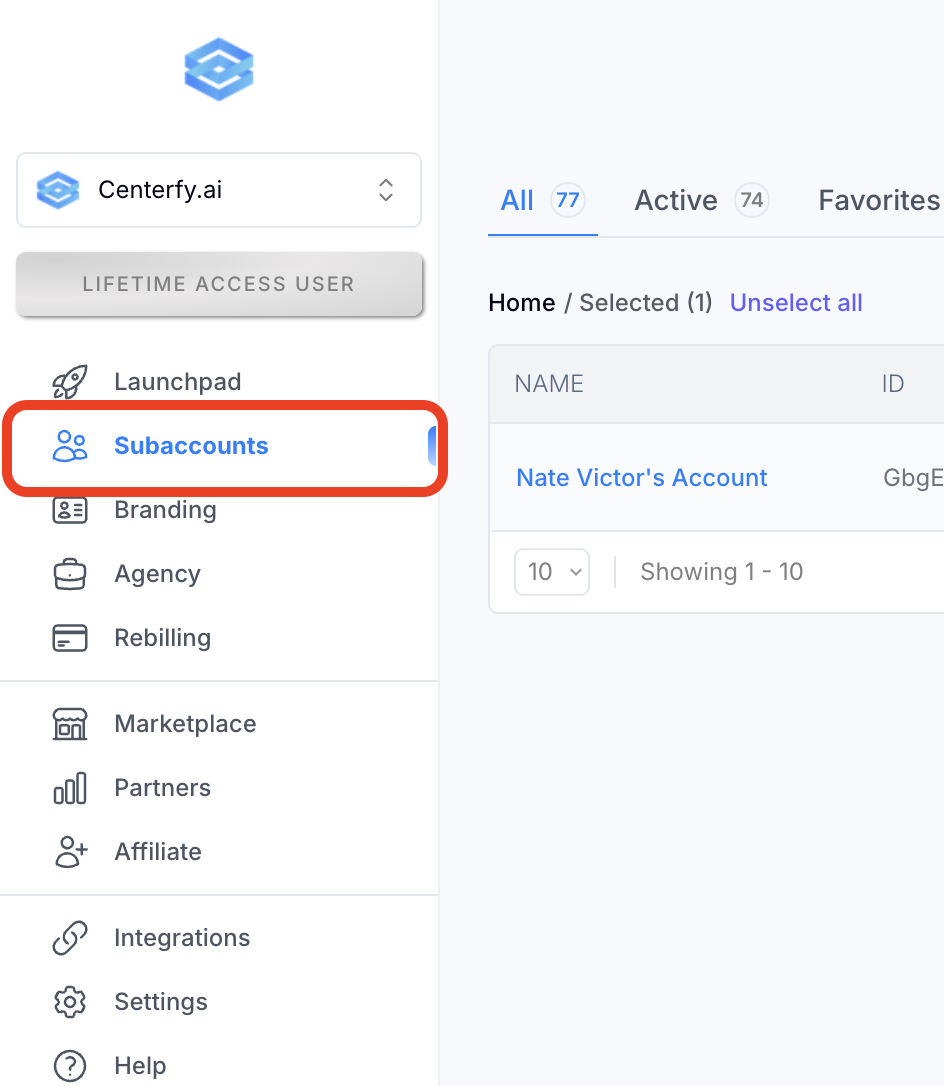
Go to the Subaccounts
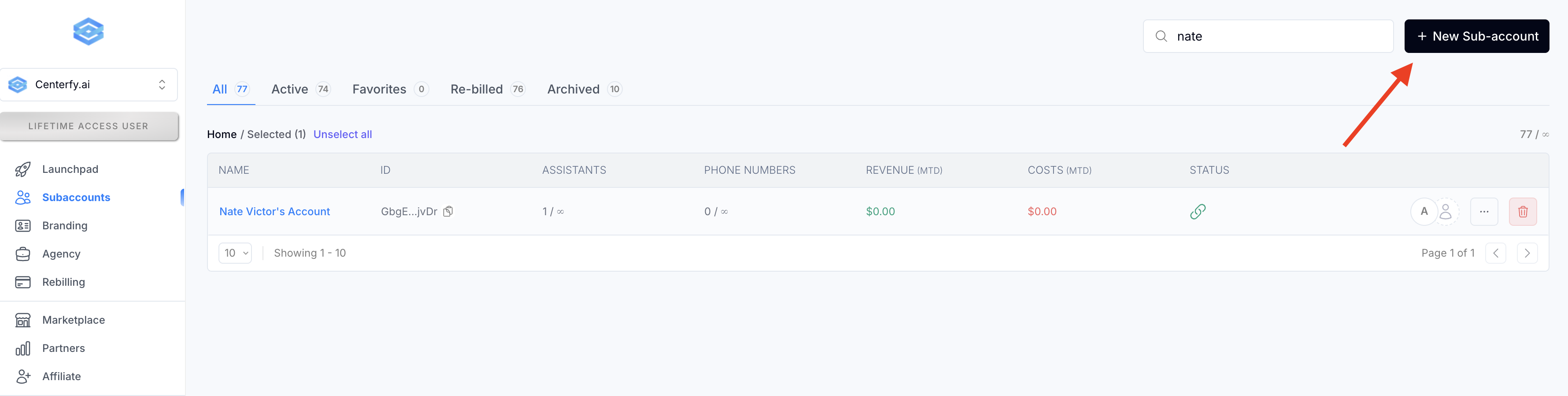
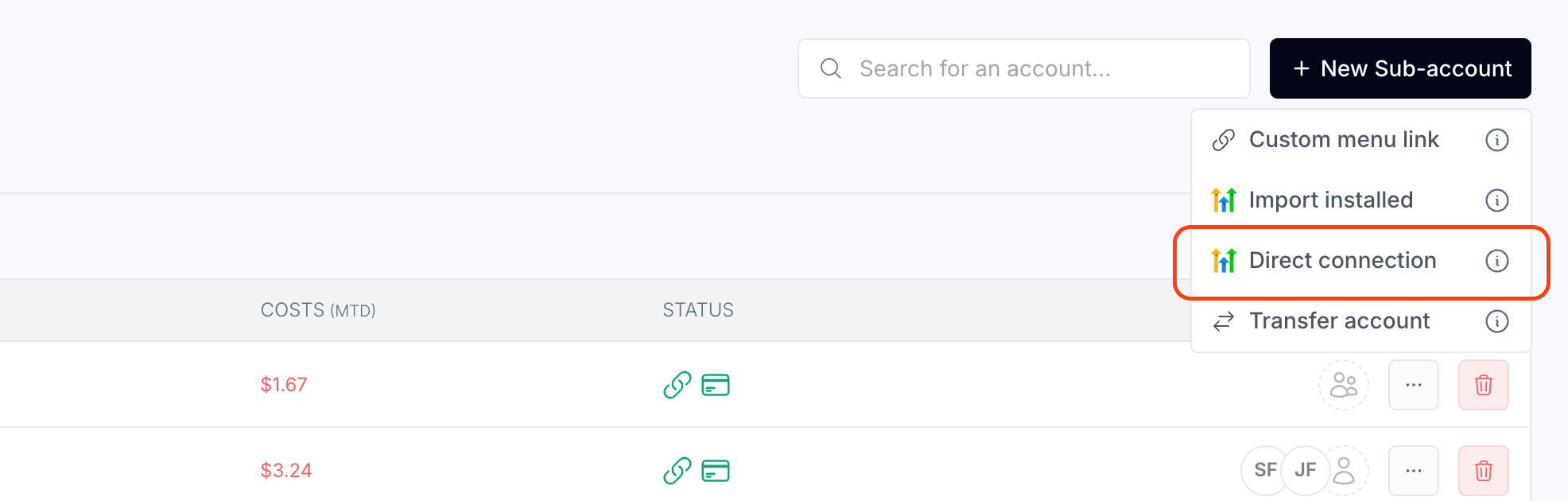
If you can't find the subaccount -- Click on New Sub-account
Select "Direct Connection"
(Make sure that you are logged into the right HighLevel Account - Centerfy's Agency)
You will see "Install Confirmation" page, just click NEXT at the bottom.
Then look for the subaccount.
Make sure that the agency at the top is Centerfy.
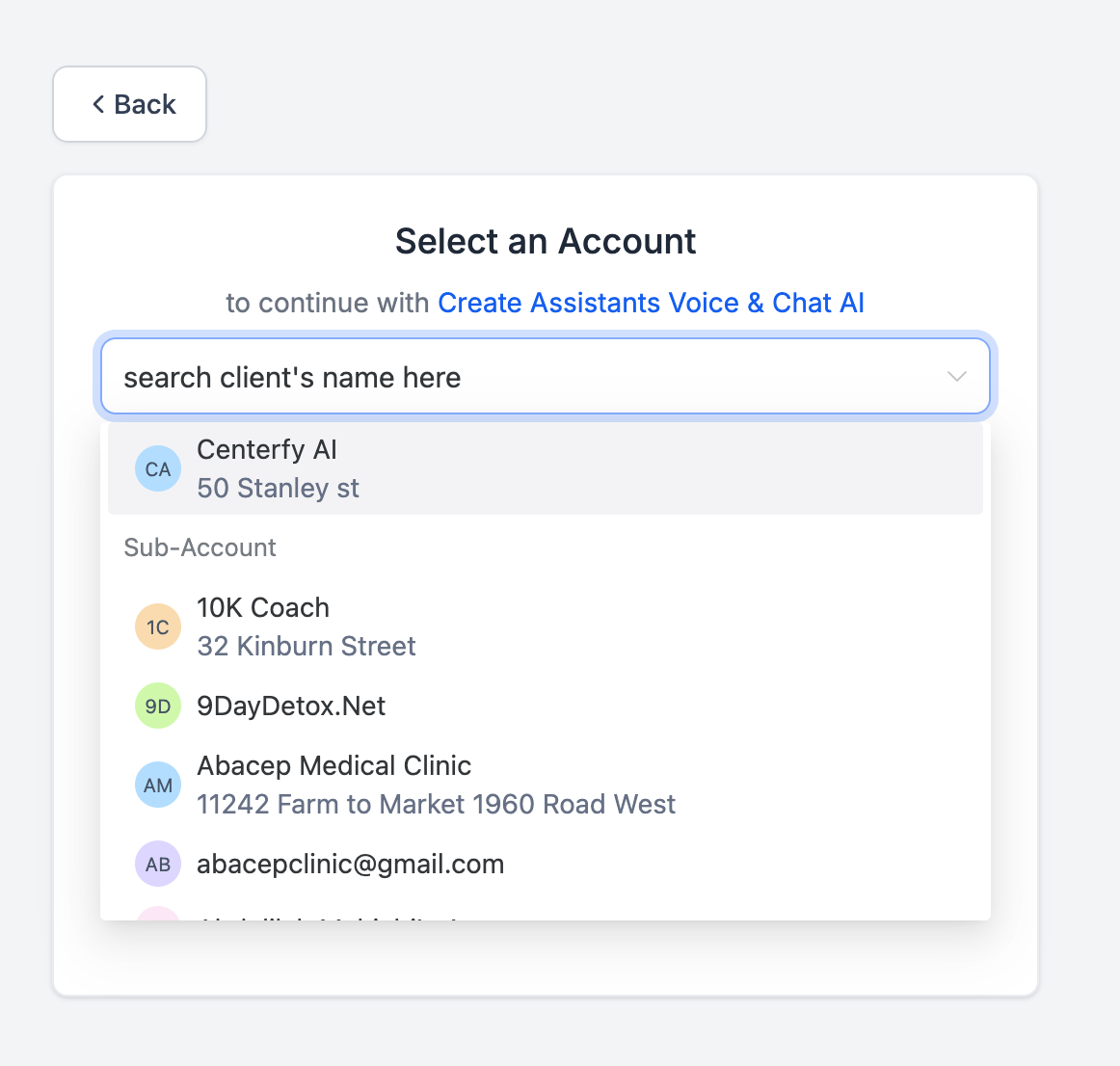
Once you have the subaccount located in the workspace.
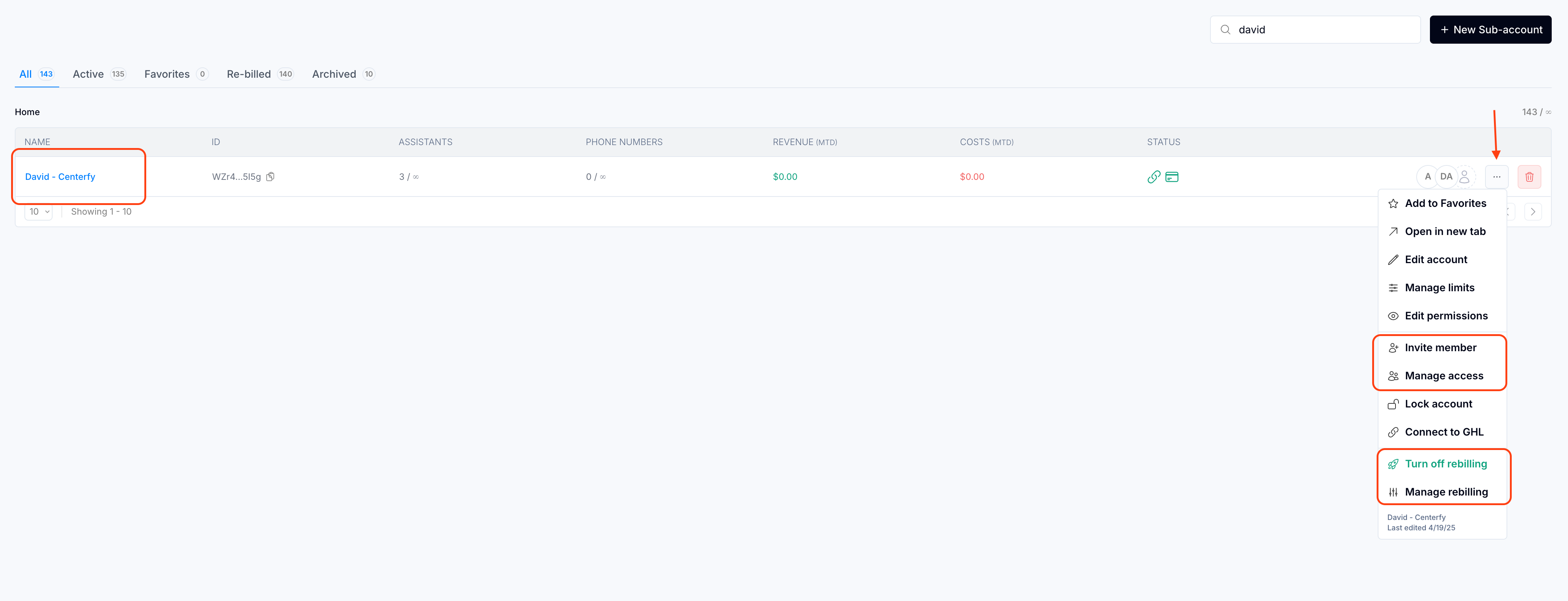
1. Click on 3-dots
2. Make sure to add the email address by either inviting member or manage access
3. Turn on rebilling and make sure to set pricing to 0.14c